
- Doctors
- Patients Care & Health Info
-
Services
- Education & Fellowships
- Myopia Clinic & Lasik Center
- View Prescription
May 2026
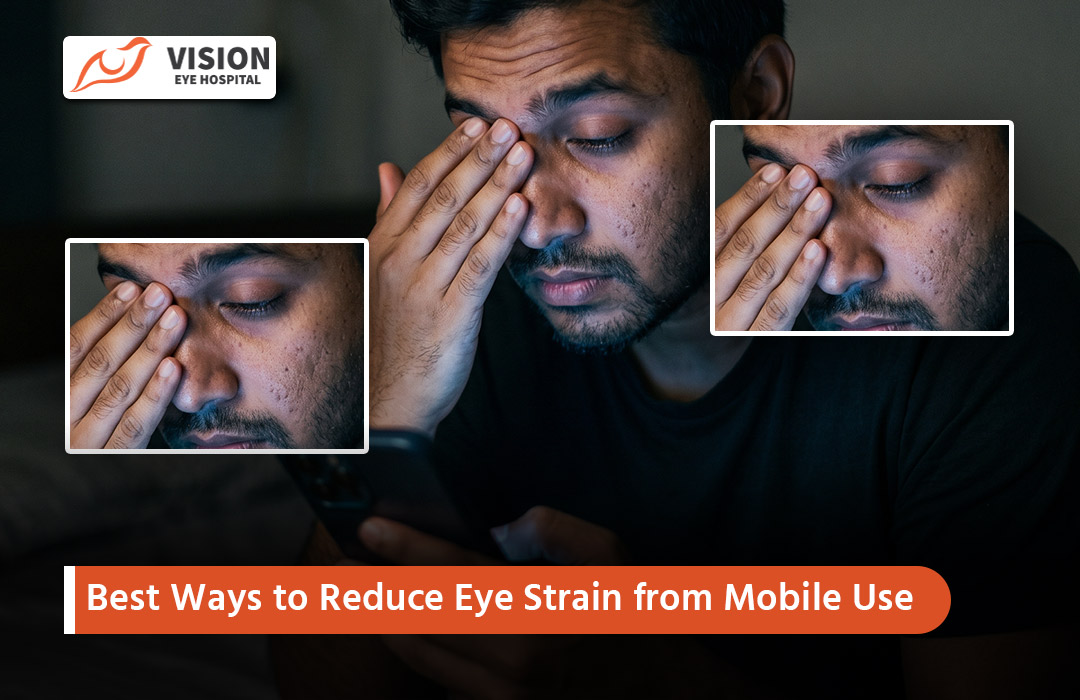
In our hyper-connected world, mobile phones have become indispensable. Many people spend hours daily scrolling, reading, and watching on small screens, often in poor conditions. This leads to digital eye strain, also known as Computer Vision Syndrome. At Vision Eye Hospital in Dhaka, we frequently treat patients whose eye discomfort stems from excessive smartphone use. Adopting smart habits can significantly protect your vision and comfort.
Prolonged close-up focus on small screens forces your eye muscles to work harder. Key causes include:
Reduced blinking rate (we blink far less while staring at phones, leading to dry eyes).
Blue light emission from screens.
Poor viewing distance and posture.
Glare, improper brightness, and high contrast in varying lighting.
Continuous accommodation (focusing) without breaks.
These factors combine to fatigue the visual system.
Common symptoms include:
Tired, burning, or itchy eyes
Dryness and redness
Blurred or double vision
Headaches
Neck, shoulder, or back pain
Increased light sensitivity
If ignored, these can affect productivity, sleep, and long-term eye health.
Blue light, with short wavelengths and high energy, comes from phone screens (and sunlight). During the day it boosts alertness, but evening exposure suppresses melatonin production — the hormone that regulates sleep. This disrupts your circadian rhythm, making it harder to fall asleep and reducing sleep quality.
While evidence on permanent retinal damage from typical phone use is limited, minimizing unnecessary exposure, especially at night, supports better eye comfort and restful sleep.
Brightness — Match screen brightness to your surroundings. Use auto-brightness or manually lower it in dim environments to avoid glare.
Contrast and Text — Increase contrast and font size for easier reading. Enable dark mode in the evening.
Blue Light Filters — Activate Night Shift (iOS), Night Light (Android), or similar features to warm the screen tones and reduce blue light.
Anti-Glare — Use a matte screen protector if needed.
These adjustments reduce the workload on your eyes.
One of the simplest and most effective strategies: Every 20 minutes, look at something 20 feet (6 meters) away for at least 20 seconds. This allows your eye muscles to relax and refocus. Blink consciously during the break to moisten your eyes. Set reminders or use apps to build this habit. Many people notice quick relief from fatigue.
Hold your phone at about 30–40 cm (12–16 inches) or roughly an arm's length away. Holding it closer increases strain on focusing muscles and raises risks like myopia progression. Avoid hunching over; keep the screen slightly below eye level.
Blink more consciously — remind yourself regularly.
Use voice commands or larger text to reduce scrolling time.
Hold the phone higher to maintain better posture.
Avoid using your phone in complete darkness or direct bright sunlight.
Clean your screen regularly to reduce glare from smudges.
Stay hydrated and consider a humidifier in dry environments.
Continuous screen time prevents eye muscles from relaxing and reduces tear production. Regular breaks improve focus, prevent dryness, and lower headache risk. Beyond the 20-20-20 rule, take longer 5–10 minute breaks every hour to stand, stretch, and look into the distance.
Palming — Rub palms together to warm them, then gently cup over closed eyes for 30–60 seconds in darkness.
Focus Shifting — Alternate focus between near (your thumb) and far objects.
Eye Rolls — Slowly roll eyes in circles (clockwise and counterclockwise) a few times.
Rapid Blinking — Blink quickly for 10–15 seconds to refresh the tear film.
Perform these during breaks for noticeable relief.
Visit a specialist if you experience:
Symptoms that persist despite following these tips
Frequent headaches or blurred vision
Severe dryness, pain, or redness
Sudden vision changes or difficulty focusing
Annual eye check-ups are recommended for heavy phone users, especially those already wearing glasses or contact lenses. Early intervention prevents complications.
By implementing these practical strategies, you can enjoy your mobile devices while protecting your precious eyesight. Small changes in habits yield big improvements in comfort and long-term vision health.
At Vision Eye Hospital in Dhaka, our expert ophthalmologists offer comprehensive eye exams, dry eye treatments, and personalized advice for digital device users.
Schedule your eye check-up today and prioritize your vision!


John Doe
10 days agoLorem ipsum dolor, sit amet consectetur adipisicing elit. Perferendis cum illum facere in exercitationem assumenda corporis itaque excepturi molestias voluptas, quibusdam accusantium, quae dolore iste eum aliquam saepe eius iure.
John Doe
10 days agoLorem ipsum dolor, sit amet consectetur adipisicing elit. Perferendis cum illum facere in exercitationem assumenda corporis itaque excepturi molestias voluptas, quibusdam accusantium, quae dolore iste eum aliquam saepe eius iure.